Organisations
What is an organisation
The organisation is the system component containing all objects in your account.
Change organisation details
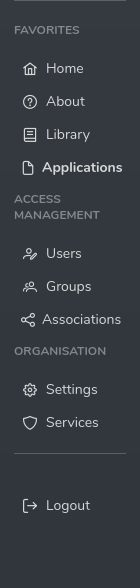
To change organisation details select Settings from the menu bar
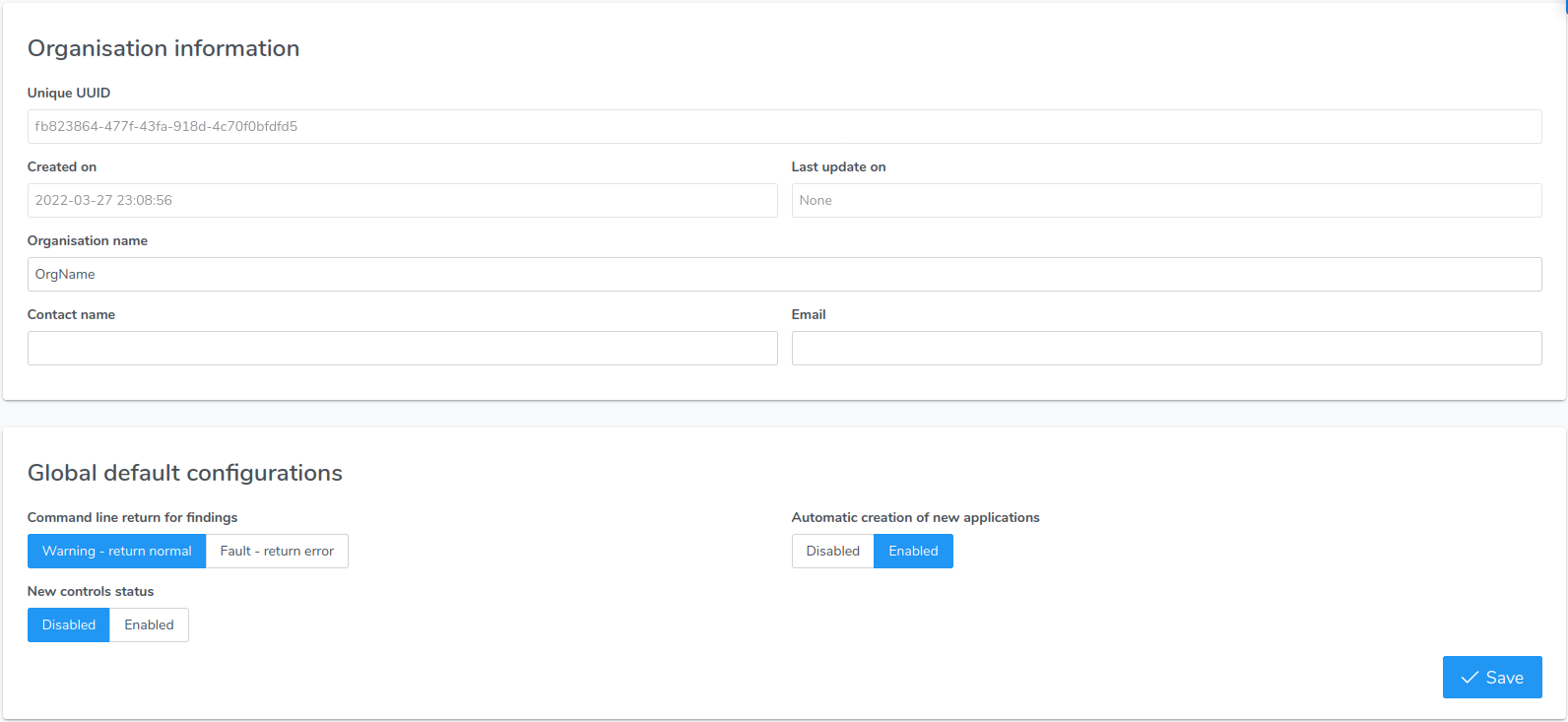
Once in the edit window, amend all needed details and select “Save”
Associate with other organisations
Organisation associations are supported when SSO is enabled.
Please refer to Associations with SSO enabled in the for more
Associations give you the ability to provide access to other organisations ("Guest") to your organisation ("Host")
In order for 2 or more organisations to be associated, the host organisation must invite the guest organisation(s) and assign a role at invitation time
Send an invitation (host):
Select “Associations” from the main menu
Select “Invite someone”

Add the email of the guest organisation and select one or more roles

Select “Send invitation”
This will send a notification email to the main guest organisation contact
One of the guest organisation global admins must accept your invite.
Accept the invitation (guest):
Select “Associations” from the main menu
In the section “Organisation I have access” identify the organisation name that has invited you and press the “Accept” button

The association is now in effect, to gain the new privileges you must logout and login again.
Reject an invitation (guest):
Select “Associations” from the main menu
In the section “Organisation I have access” identify the organisation name that has invited you and press the bin icon
Delete an existing invitation (guest or host):
When an association is deleted, all its group memberships are also deleted. This is irreversible
Select “Associations” from the main menu
In the section “Organisation I have access” identify the organisation name associated and press the bin icon
Switch context
In order to make changes or visualise data in another organisation you already have access to, you must switch the context.
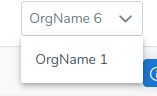
To switch the context select another organisation name from the dropdown on the top right corner
Delete your organisation
The organisation deletion process is irreversible
If you whish to delete your organisation (and all data associated with it) please raise a support ticket.