Getting started
Sign Up with email
Visit https://app.corecontrols.cloud
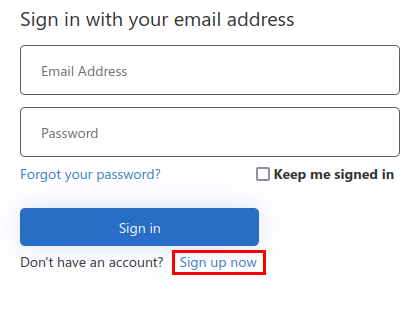
You will be redirected to the login screen, at the login screen select sign up now
Sign up with a social account
To sign up with your social account, just select the appropriate provider and your account will be automatically created
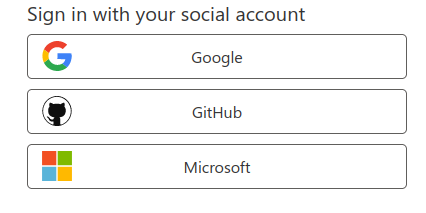
Currently, the supported providers are:
- Microsoft (live.com)
- Github
Define an application
- Select application from the side menu, then select create a new application
- Provide an application name and description (optional)
- Set application type as “Friendly”